Local-only detail
Input names, health context, family context, routines, access paths or raw sensor detail only when you want them in your private version.
This builder starts from self sovereignty. You choose what stays local, what gets shared, who helps tune it, and which version is public.
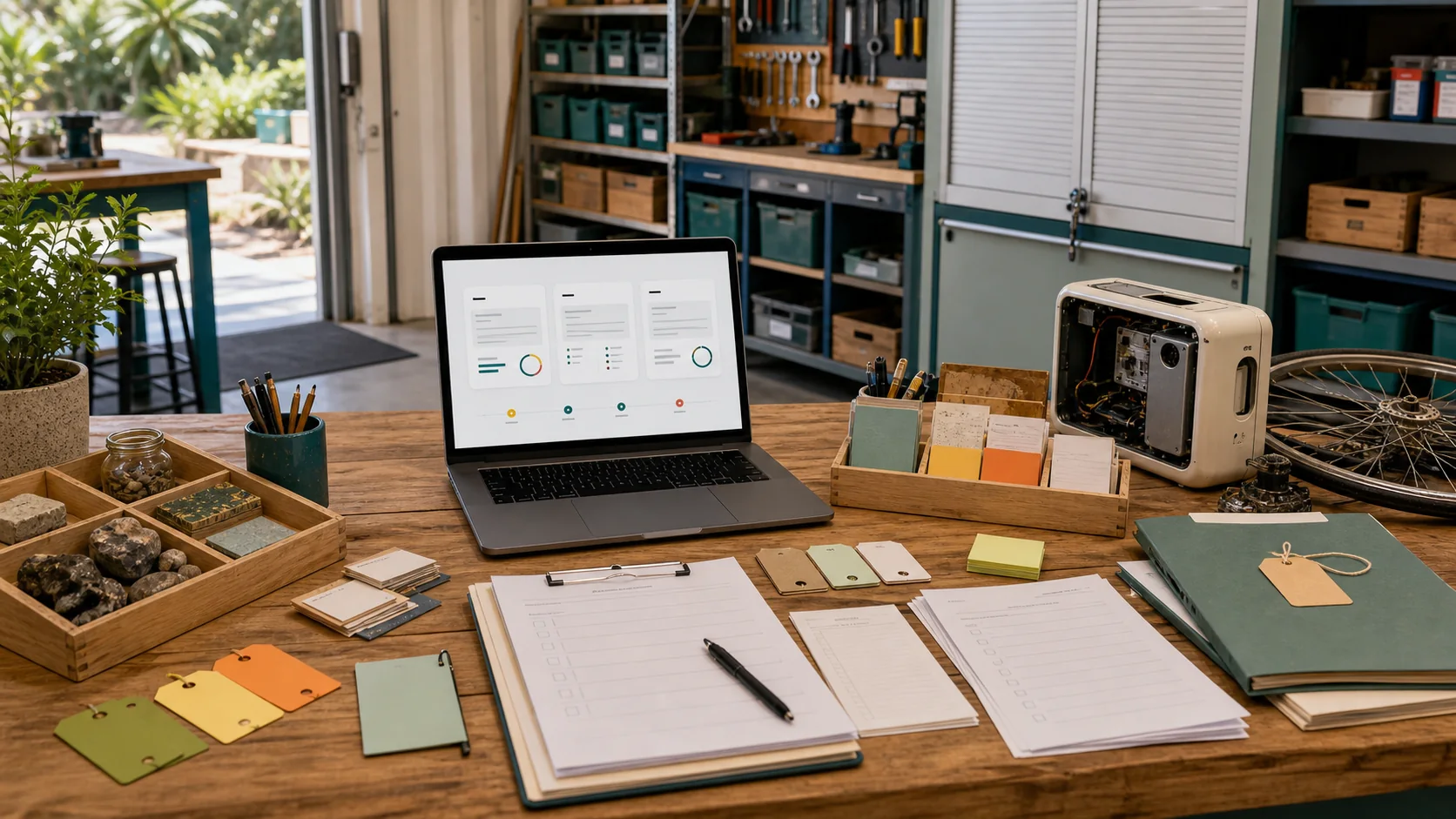
Input names, health context, family context, routines, access paths or raw sensor detail only when you want them in your private version.
Label concept art, mock-up, grant visual, public page, live site, property idea or source document as different things.
Use health visuals for rooms, flow, comfort and logistics. Bring qualified humans into treatment, diagnosis or device choices.
Use anonymous groups, flows and placeholders when the point is a public simulation rather than a person tracker.
Use broad context, placeholders and chosen readers for Country, place names, ecology and cultural material.
Add a source date for property, tender, planning, funding and public-source material so the next person knows when to re-check it.
| Layer | Use it for | You choose what stays with you | People you choose |
|---|---|---|---|
| Level 0 (L0) | Private room prompts, object renders, owner goals, device hints, local vault context. | Raw exports, private health details, household routines and identity context. | Owner-chosen helpers. |
| Level 1 (L1) | Venue worlds, project readiness, public screen mock-ups, scenario prompts, local crew handoffs. | Personal data, access details, private leases and neighbour-sensitive context. | Place crew, makers, venue crew or relevant experts. |
| Level 2 (L2) | Bioregion-scale briefs, public source maps, living systems, watershed context, civic front worlds. | Household-level records, sensitive locations and raw feeds. | Public-source readers and chosen community/cultural readers when useful. |
Start with a private .md prompt packet. Add only the detail needed for the next render, walkthrough or external simulation brief.