Run local dashboards, maps, scenario tools, saved documents, local models and heavier simulation workloads.
Simulation hardware layer
Build the rugged simulation kiosk.
The rugged kiosk is the heavier experimental layer: a weather-aware field lab for multi-compute simulation systems, local models, sensor context, saved knowledge and resilience planning. Venue TVs, notice screens and counter tablets stay simpler public screens, while cloud AI helps when the connection and permissions are available.
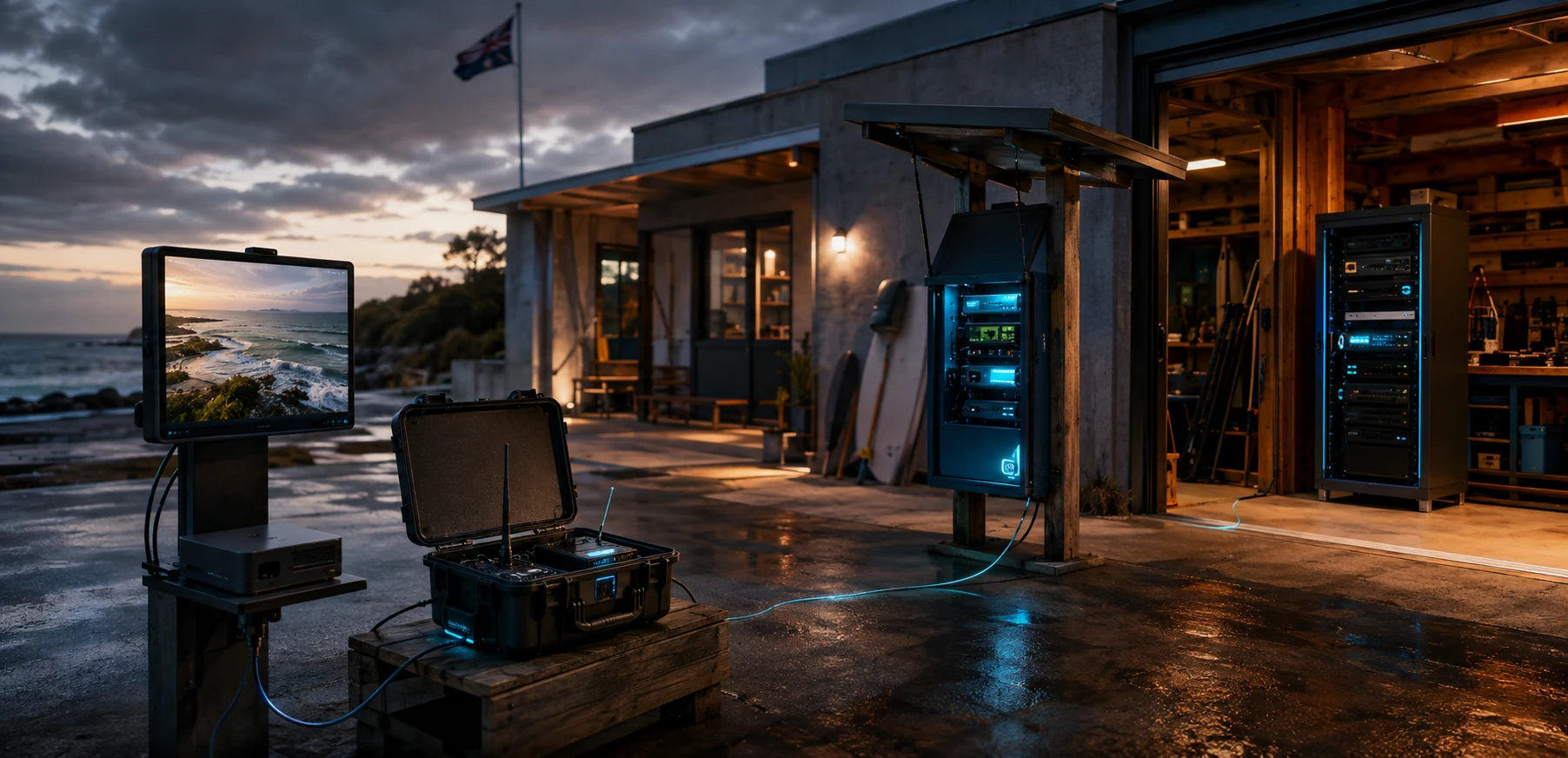
Simulation stack
A rugged kiosk is a multi-compute field lab.
The kiosk is experimental compute infrastructure: a field lab, simulation system and public interface in one. Different compute boards can be swapped, compared and combined while the simpler venue screens handle everyday display duties elsewhere. Cloud AI can extend the system online, while the kiosk keeps useful local capability close to the ground.
Test local vision, weather summaries, beach-condition analysis, media processing and model-assisted planning alongside cloud support when useful.
Handle watchdogs, relays, sensor reads, status LEDs, enclosure health, low-power modes and safe restart behaviour.
Bring beach cameras, weather stations, battery state, thermal data and other local signals into the simulation environment.
Send approved summaries, broad patterns or project briefs to cloud AI for deeper analysis, then save useful outputs back on the kiosk.
Multi-compute systems work best with power budgeting, airflow, heat logging and resilient backup modes shaped for salt air.
Ruggedisation
Salt air, heat and public hands change the design.
A beach-adjacent kiosk invites practical care: shade, airflow, corrosion-resistant fasteners, cable glands, drip paths, lockable access and parts that can be swapped as the build evolves.
Powder-coated metal, treated timber, stainless fixings or a hybrid cabinet can be tested before committing to a final public enclosure.
Ventilation, shade placement, fan filters and temperature logging matter more than a beautiful sealed box that cooks itself.
Compute trays, power supply, battery, router, storage and control boards sit within reach of an authorised local maintainer.
If the kiosk has a public touch surface, use protective acrylic or toughened glass with edges and water traps carefully handled.
If one compute layer freezes, a simple control board, relay or scheduled restart can bring it back through a local maintenance pathway.
Keep spare cables, SSDs, power adapters, control boards, sensor modules and compute media where crews can actually reach them.
Normal mode
Daily usefulness keeps the kiosk familiar.
Normal mode can show local simulations, beach-condition views, ferry pressure context, training clips, public dashboards, local media previews, sensor status and project planning tools. When online, it can ask cloud AI for richer summaries or scenario support. People learn that the kiosk is a useful public lab with resilience value.
Resilience mode
Local compute keeps it calm.
In resilience mode, the kiosk can keep local maps, sensor context, saved emergency pages, links back to official channels, charging guidance, shelter notes, help offers and approved local updates available close to the ground.
First prototype
Build boldly enough to learn from.
A first rugged prototype can be an experimental compute crate: mini PC or workstation-class core, Pi or microcontroller control board, custom PCB experiments, sensor inputs, UPS, storage, backup network path, touch/display module and a clear maintenance notebook.
Venue TVs, notice screens and counter tablets can be trialled separately as everyday community screens. Cloud AI can be trialled as an online accelerator. The rugged kiosk is where the heavier simulation and local-compute experiments live.