Try one willing venue, a simple TV display and one or two readable Markdown records from the wider builder family.
Roadmap
Prototype openly, then harden what works.
This is an open build path. The project can test useful public records, venue TVs, community screens, cloud AI with human review, rugged multi-compute kiosks and sensor layers in whatever order creates the most learning and local value.
Phases
A possible build sequence.
Each experiment can produce something visible, useful and reviewable.
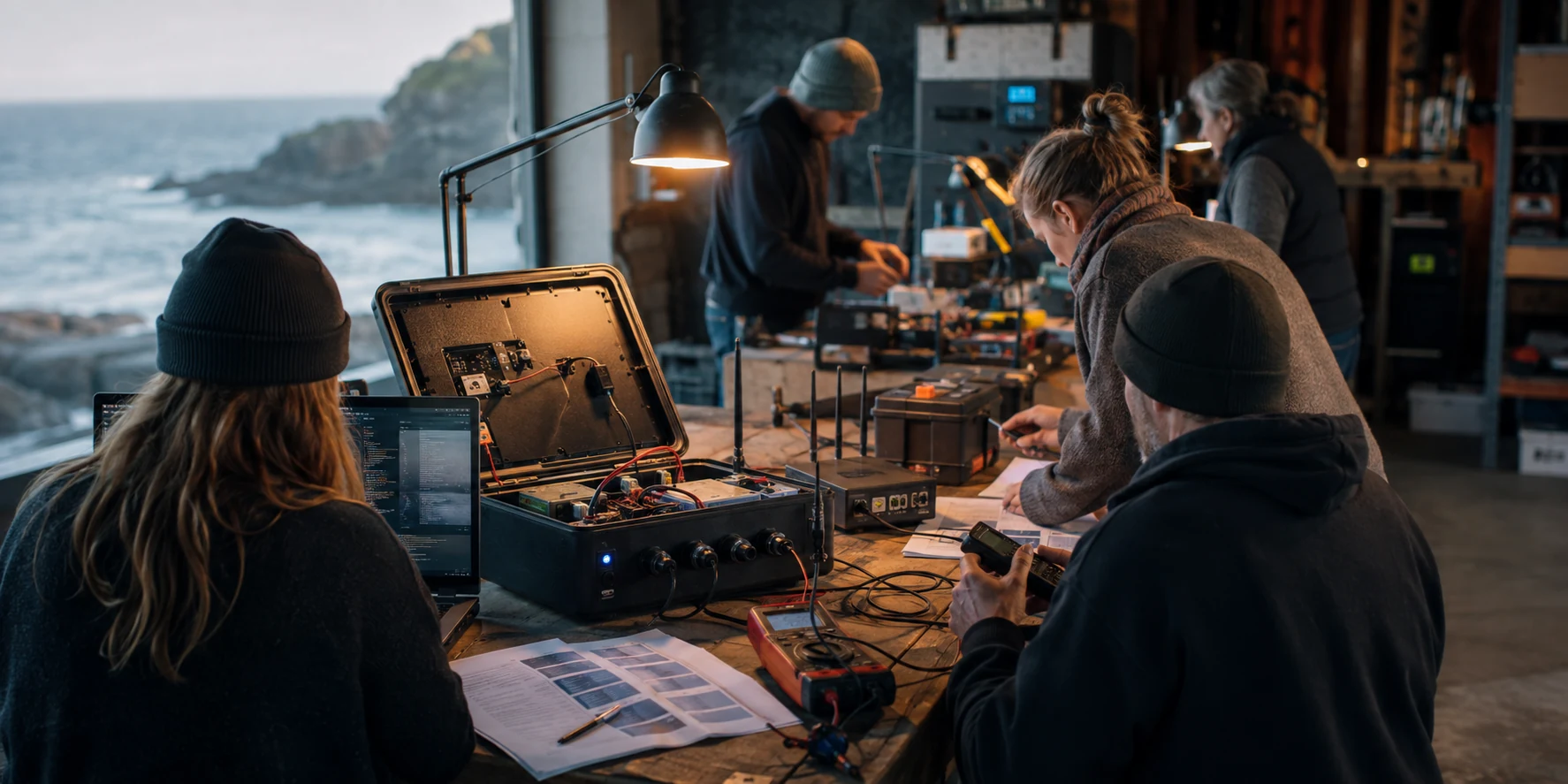
Build a serviceable kiosk with multi-compute hardware, control board, sensors, UPS, storage, local models and maintenance log.
Add one purpose-led weather or beach camera point, then test local summaries and permissioned cloud AI drafts for screens and media pages.
Expand only where the local value is clear: venues, screen care, Ready S.E.T. Co-op stewards, public evidence, maintenance roles and new builder experiments.
Source documents
Pitch material for the next conversation.
These PDF notes are concept documents for explaining the idea to local organisations, grant contacts, resilience partners, venues and people who understand that infrastructure becomes stronger when it is trusted before it is needed.
Status: concept page and pitch material for partner conversations, designed to sit alongside official emergency information.
Short pitch material for explaining the practical local opportunity.
Open PDFBroader systems view of kiosks, mesh, community infrastructure and resilience logic.
Open PDFThe public planning files for the kiosk, noticeboard and resilience material.
Open GitHubPublic boundaries
Useful public infrastructure grows through plain agreements.
The more public a shared screen layer becomes, the clearer its boundaries, sources and correction paths need to be.
Emergency messaging can point back to approved authorities so screens strengthen the trusted information layer.
Every venue, group or project can name an approval owner and correction path.
Support notes, aura-style context, personal data and cultural material can stay in the working layer until deliberately shared.
Time-aware records make it easier to age out or review old information as the public screen layer evolves.
Weather, ferry, safety, grant and public-service notes work better when they show their source or review status.
Screen care, power checks, content review and hardware swaps become visible local roles with real budget.
First living pilot
Show the whole network in miniature.
A strong first milestone could feel like a small living network: a willing venue, a community screen, one or more Markdown builders, a Ready S.E.T. Co-op media update, optional cloud AI drafting, a weather or beach signal, a maintenance note and an evidence trail that shows public value.
What success looks like
People understand it at a glance.
The screen shows useful information. The venue knows how to update it. Ready S.E.T. Co-op can help package it. The public sees value. The maintenance work is visible. That is enough to justify the next site.